

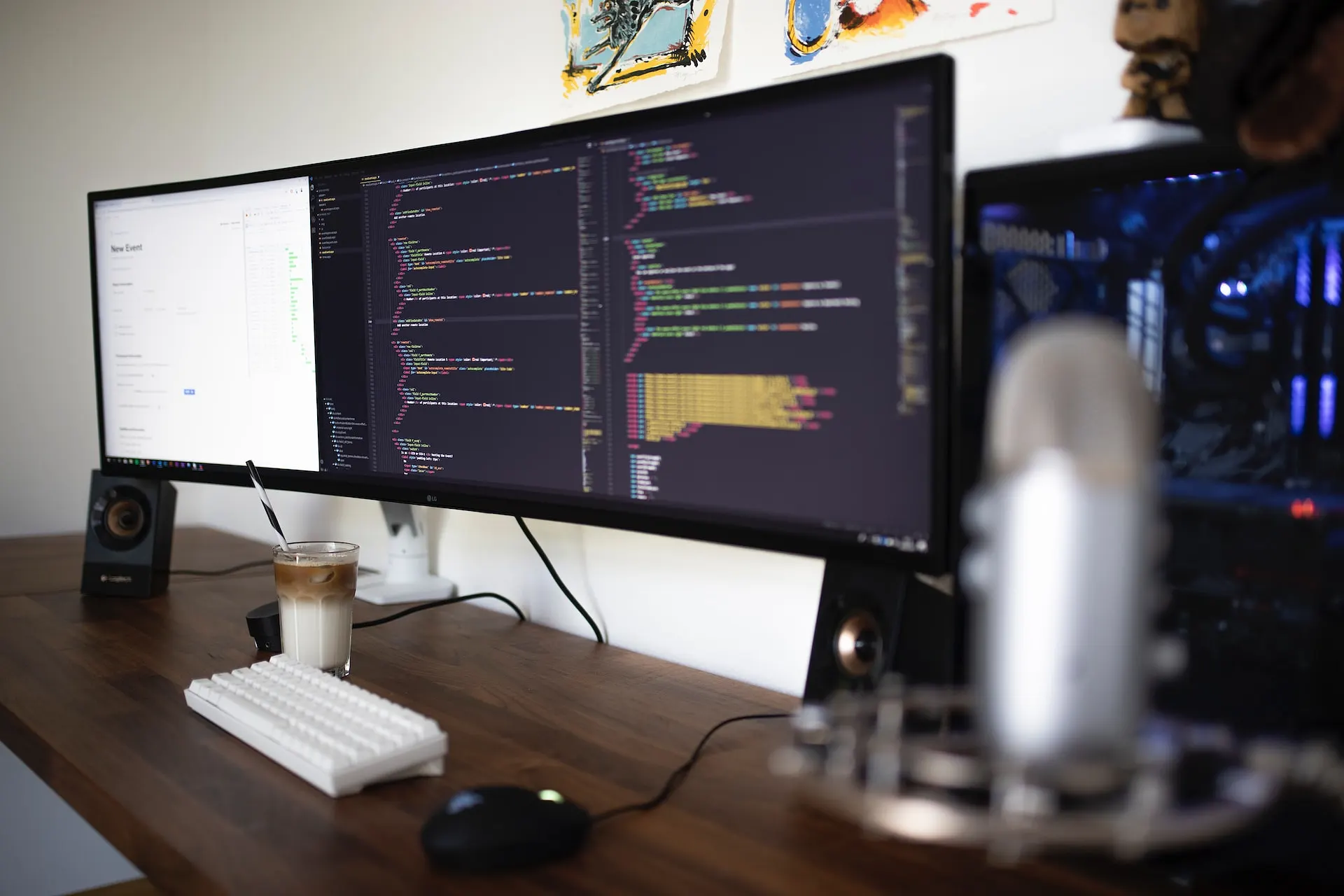
If you’re a programmer, you know how important it is to have a good monitor.
A good curved monitor can provide a more immersive viewing experience, making it easier to focus on your work.
In this article, we will be discussing the 7 best curved monitors for programming based on our research and testing.
Without further ado, let’s get started.
What to Consider When Buying a Good Curved Monitor
When buying a curved monitor for programming, there are several factors to consider. Here are some of the most important ones:
- Screen Size: A larger screen size allows you to open multiple windows simultaneously, making it easier to multitask.
- Resolution: A higher resolution means that you can see more details on the screen, which is important when working with code.
- Ergonomic Adjustments: A monitor with ergonomic adjustments allows you to adjust the height, tilt, and swivel of the screen to find the most comfortable viewing position.
- Picture Quality: A monitor with good picture quality is important for reducing eye strain and making it easier to read text.
- Connectivity: A monitor with multiple connectivity options allows you to connect external devices like a keyboard, mouse, or external hard drive.
The 7 Best Curved Monitors for Programming
1. Samsung CJ791
The Samsung CJ791 is a 34-inch curved monitor that offers an immersive viewing experience.
It features QLED technology for the production of crisp visuals and a curved layout that provides an ultrawide viewing experience.
The monitor has a WQHD resolution of 3440 x 1440 pixels, which delivers fine detail and lifelike colors.
The CJ791 also comes with AMD FreeSync and a game mode that optimizes responsiveness and screen lag. The monitor has two Thunderbolt 3 ports that allow the transmission of data and power through a single interface.
The thunderbolt connections take the win for this monitor, giving it the crown for one of the first monitors from Samsung with this connectivity. It can transmit video and data at speeds of up to 40Gbps, which is 8 times faster than USB 3.0, and simultaneously charges devices (up to 85W, all over a single cable).
Specifications:
- 34-inch screen
- 3440 x 1440 resolution
- QLED technology
- AMD FreeSync
- Thunderbolt 3 ports
Pros:
- Ultrawide screen
- High resolution
- Great picture quality
- Thunderbolt 3 connectivity
- AMD FreeSync and game mode
Cons:
- Expensive
Price: $899.99
2. Dell UltraSharp U3419W
The Dell UltraSharp U3419W is a 34-inch curved monitor that offers an immersive viewing experience. It has a WQHD resolution of 3440 x 1440 pixels, which delivers fine detail and lifelike colors.
The monitor utilizes IPS technology for exceptional picture quality and supports up to 99% sRGB color gamut. The U3419W also comes with a flicker-free TUV certified screen that reduces eye strain and provides a comfortable viewing experience.
Here are the specifications, pros, cons, and price of the Dell UltraSharp U3419W:
Specifications:
- 34-inch screen
- 3440 x 1440 resolution
- IPS technology
- 99% sRGB color gamut
- Flicker-free TUV certified screen
Pros:
- Ultrawide screen
- High resolution
- Great picture quality
- USB-C connectivity
- Comfortable viewing experience
Cons:
- Expensive
Price: $1,099.99
3. LG 34WK95U-W
The LG 34WK95U-W is a 34-inch ultrawide monitor that offers an immersive viewing experience.
It has a resolution of 5120 x 2160 pixels, which is higher than most other ultrawide monitors.
The monitor utilizes Nano-IPS technology for exceptional picture quality and supports up to 98% of the DCI-P3 color gamut.
The 34WK95U-W also comes with a flicker-free screen that reduces eye strain and provides a comfortable viewing experience.
Specifications:
- 34-inch screen
- 5120 x 2160 resolution
- Nano-IPS technology
- 98% DCI-P3 color gamut
- Flicker-free screen
Pros:
- Ultrawide screen
- High resolution
- Great picture quality
- Thunderbolt 3 connectivity
- Comfortable viewing experience
Cons:
- Expensive
- No enhanced refresh rate or adaptive sync
Price: $1,499.99
4. Acer Predator X34
The Acer Predator X34 is a 34-inch curved gaming monitor that provides an immersive viewing experience.
The monitor has a WQHD resolution of 3440 x 1440 pixels and utilizes an In-Plane Switching (IPS) panel for exceptional picture quality.
The X34 also comes with NVIDIA G-Sync technology, which synchronizes the monitor’s refresh rate with the graphics card’s output to eliminate screen tearing and stuttering.
Here are the specifications, pros, cons, and price of the Acer Predator X34:
Specifications:
- 34-inch curved screen
- 3440 x 1440 resolution
- In-Plane Switching (IPS) panel
- NVIDIA G-Sync technology
- 100 Hz refresh rate
Pros:
- Ultrawide screen
- High resolution
- Great picture quality
- NVIDIA G-Sync technology
- 100 Hz refresh rate
Cons:
- Expensive
- No USB-C connectivity
- No HDR support
Price: $1,299.99
5. ViewSonic VP3881
The ViewSonic VP3881 is a 38-inch curved monitor that provides an immersive panoramic viewing experience.
The monitor has a WQHD+ resolution of 3840×1600 pixels, which delivers fine detail and lifelike colors.
The VP3881 utilizes an IPS panel with ColorPro technology for exceptional picture quality and supports up to 99% of the sRGB color gamut.
The monitor also comes with a flicker-free screen that reduces eye strain and provides a comfortable viewing experience.
Here are the specifications, pros, cons, and price of the ViewSonic VP3881:
Specifications:
- 38-inch curved screen
- WQHD+ resolution of 3840×1600 pixels
- IPS panel with ColorPro technology
- 99% sRGB color gamut
- Flicker-free screen
Pros:
- Ultrawide screen
- High resolution
- Great picture quality
- USB-C connectivity
- Comfortable viewing experience
Cons:
- Expensive
Price: $1,199.99
6. AOC CU34G2X
The AOC CU34G2X is a 34-inch ultrawide curved gaming monitor that offers an immersive viewing experience.
Specifications:
- 34-inch curved screen
- 3440 x 1440 resolution
- VA panel
- 144Hz refresh rate
- 1ms response time
Pros:
- Ultrawide screen
- High refresh rate
- Low input lag
- FreeSync and G-Sync compatibility
- Affordable price
Cons:
- Visible black smearing
- Narrow viewing angles
- Mediocre HDR performance
Price: $549.99
7. Gigabyte G34WQC
The Gigabyte G34WQC is a 34-inch ultrawide curved gaming monitor that offers an immersive viewing experience.
It has a resolution of 3440 x 1440 pixels and utilizes a VA panel for exceptional picture quality.
The G34WQC also comes with a 144Hz refresh rate and a 1ms response time, which makes it a great option for gaming.
The monitor also has FreeSync and G-Sync compatibility, which eliminates screen tearing and stuttering.
Specifications:
- 34-inch curved screen
- 3440 x 1440 resolution
- VA panel
- 144Hz refresh rate
- 1ms response time
Pros:
- Ultrawide screen
- High refresh rate
- Low input lag
- FreeSync and G-Sync compatibility
- Affordable price
Cons:
- Visible black smearing
- Narrow viewing angles
- Mediocre HDR performance
Price: $449.99
Final Thoughts on Best Curved Monitor for Programming
In conclusion, choosing the right curved monitor for programming can be a daunting task, but it is essential to have a high-quality display that provides an immersive viewing experience.
The seven monitors discussed in this article are some of the best options available on the market, each with its own unique features and benefits.
From the high-resolution Dell UltraSharp U3419W to the affordable AOC CU34G2X, there is a curved monitor for every budget and need.




0 Comments